

 Platform
 W&B Models
 W&B Weave
 W&B Inference
 W&B Training
 Release Notes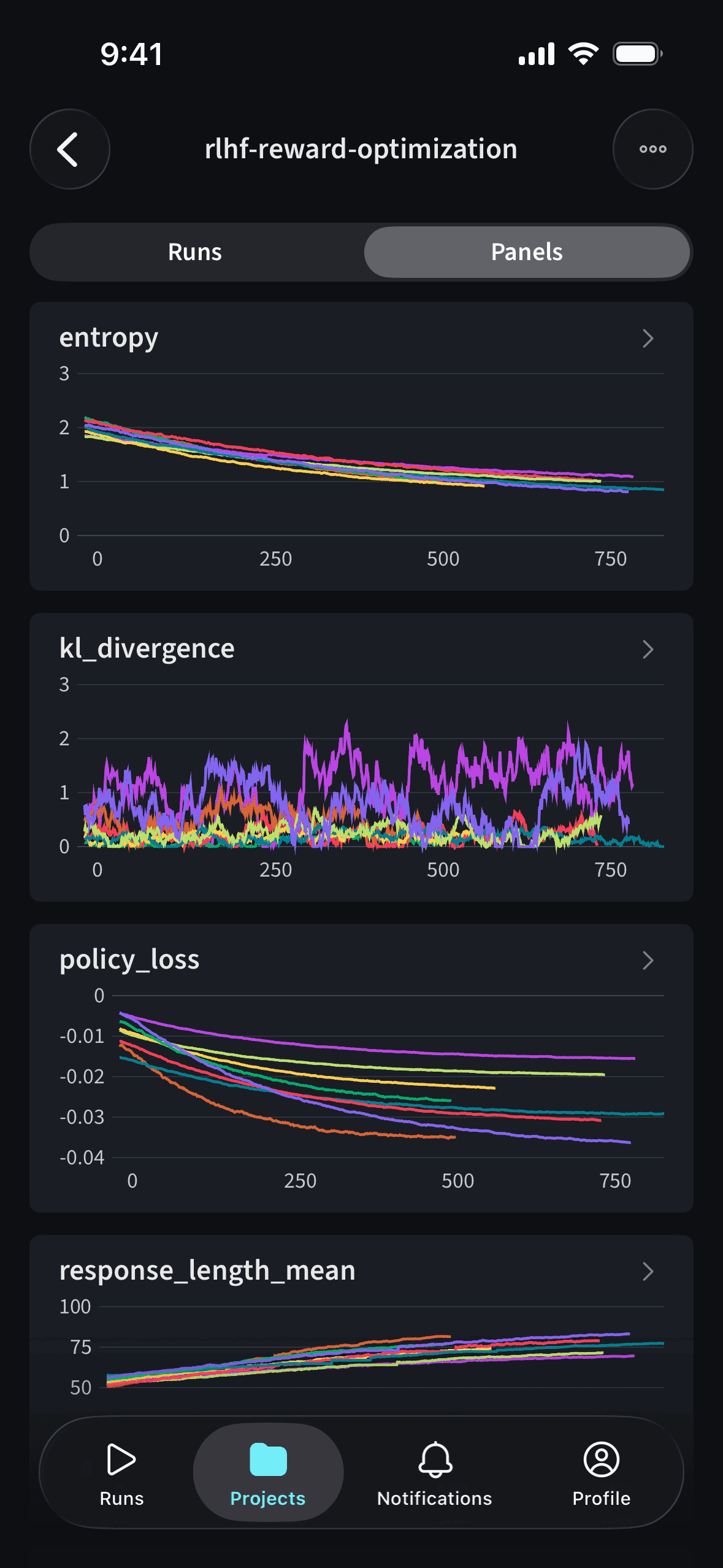
The mobile app is only available for Multi-tenant Cloud accounts. It is not available for Dedicated Cloud or Self-Managed deployments.
Download the app
Download on the App Store
Features
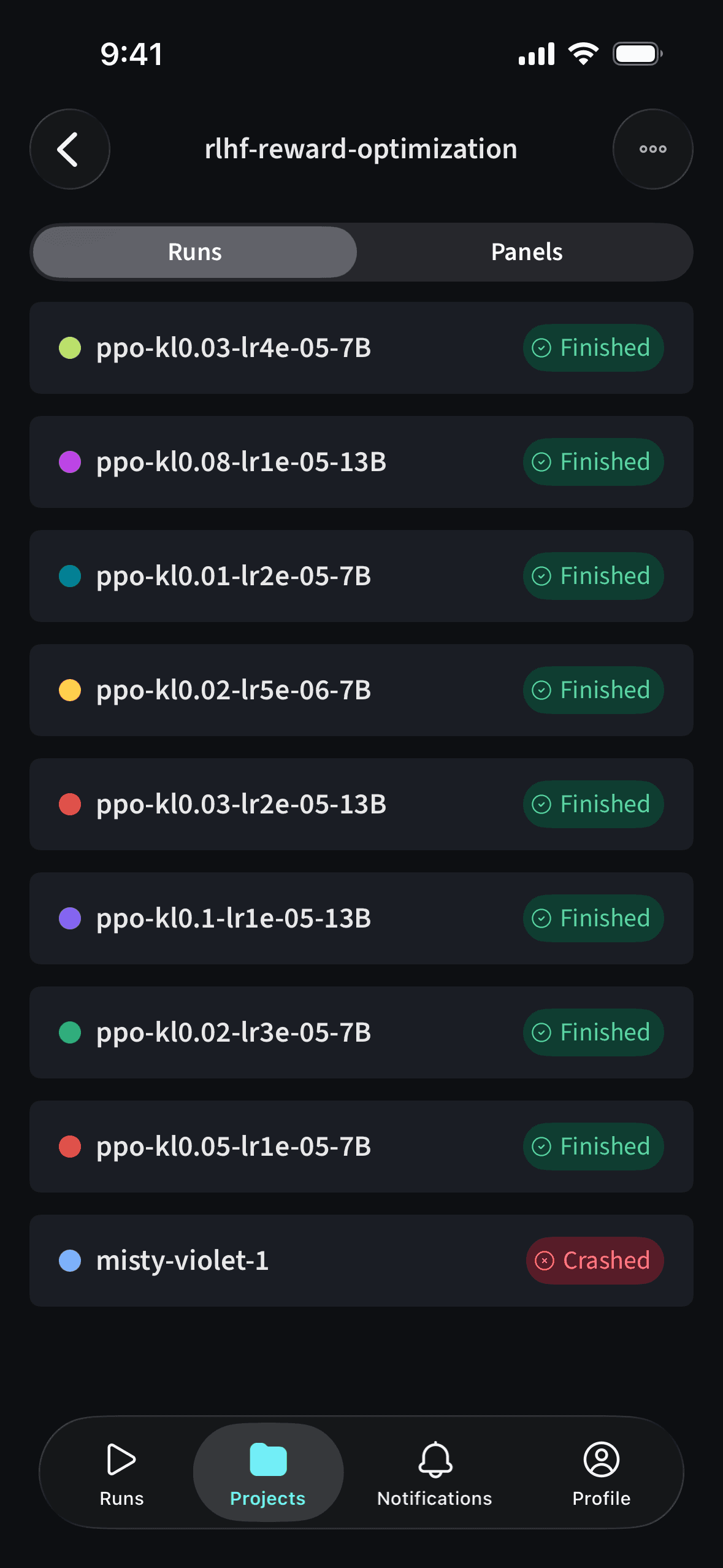
- Track training runs: View run status, metrics, and line plots in real time
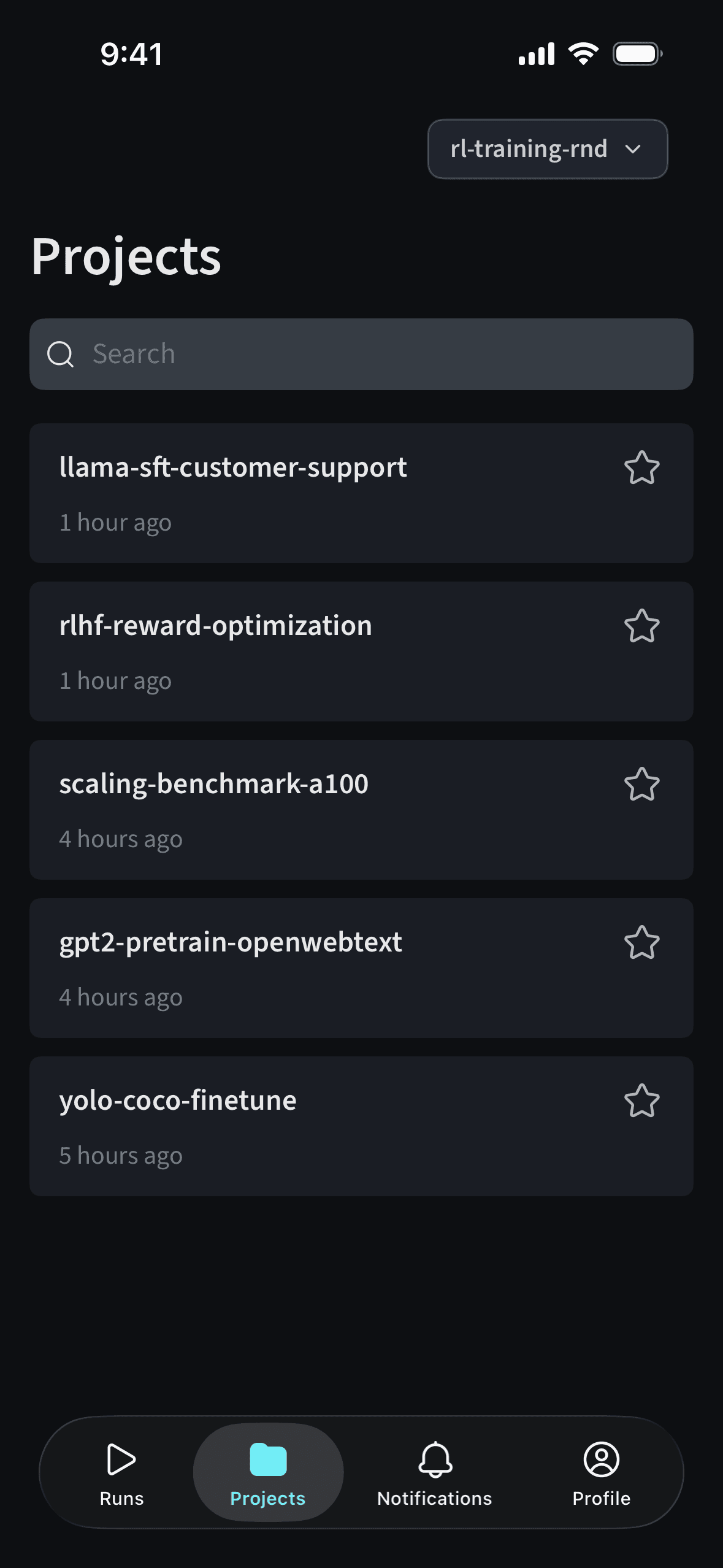
- Explore project history: Browse and search across your W&B projects.
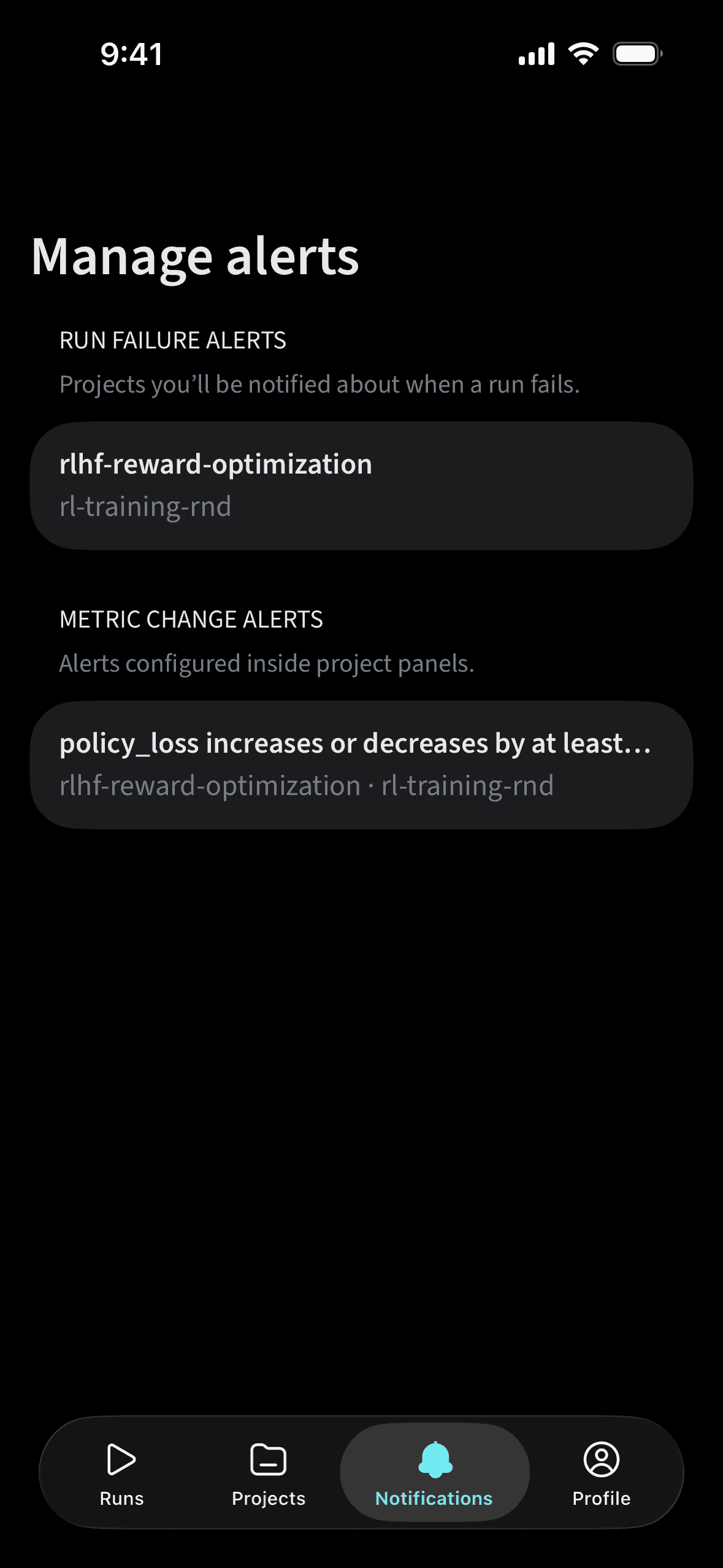
- Stay informed: Get updates on your experiments without opening your laptop using notifications.
Set up notifications
You can configure notifications in two ways: Metric threshold alerts- Navigate to a run.
- Tap the graph to enter fullscreen view.
- Tap the bell icon on the top-right.
- Set notifications that trigger when future runs cross the specified metric threshold.
- Navigate to a project.
- Tap the three-dot menu on the top-right.
- Select Run failed alert to receive notifications for future run failures in that project.